If you’re searching for Hostinger alternatives, you probably have a reason: the low introductory price looked attractive, but you’re now wondering whether you’re getting the best performance, support, features, or long-term value for your website.
And you’re not alone. Hostinger is a major player in web hosting, serving more than 4 million clients, while independent tracking shows millions of websites using its hosting technology.
That popularity makes Hostinger a natural starting point but it doesn’t automatically make it the right choice for every website.
I’ve used and compared different hosting platforms, and one thing I’ve learned is that the cheapest hosting plan isn’t always the best long-term choice.
Your priorities can change as your website grows: you may need better support, stronger performance, more resources, easier migration, or simply better value at renewal.
That’s why I’ve compared the 7 best Hostinger alternatives and competitors in 2027, looking at pricing, performance, features, support, and who each host is actually best suited for.
So, whether you’re already using Hostinger and thinking about switching or you’re comparing hosting providers before buying, let’s find the option that fits your website best.
My Top 4 Picks for Hostinger Alternatives
If you’re looking for a quick answer, these are the four Hostinger alternatives I’d consider first. Each one stands out for a different type of website and budget.

Bluehost
A beginner-friendly hosting option with strong WordPress features, free migration, SSL, CDN, and an easy upgrade path for growing websites.

Namecheap
A budget-friendly choice for smaller websites, blogs, freelancers, and users who want simple hosting with cPanel and useful essentials.

SiteGround
A strong choice for WordPress users who prioritize website performance, managed features, reliable support, and tools for growing websites.

Cloudways
Best suited for websites that have outgrown basic shared hosting and need scalable managed cloud hosting with more control over resources.
These four Hostinger alternatives offer options for every need from affordable hosting with Namecheap to WordPress-focused SiteGround and scalable Cloudways, with Bluehost as a strong all-round choice.
Best Hostinger Alternatives at a Glance
If Hostinger isn’t quite matching your needs, there are several solid alternatives worth considering.
The right choice depends less on the cheapest introductory price and more on renewal costs, performance, support, and the type of website you run.
Here’s a quick comparison of the providers we’ll cover:
| Hosting Provider | Starting Price* | Renewal | Performance | Support | Best For |
| Bluehost | ₹199/mo | ₹349/mo+ | ⭐⭐⭐⭐ | ⭐⭐⭐⭐ | WordPress beginners |
| SiteGround | ~$3.99/mo | Higher | ⭐⭐⭐⭐⭐ | ⭐⭐⭐⭐⭐ | Performance & support |
| DreamHost | ~$2.89/mo | Moderate | ⭐⭐⭐⭐ | ⭐⭐⭐⭐ | WordPress & flexibility |
| ChemiCloud | ~$2.95/mo | Higher | ⭐⭐⭐⭐⭐ | ⭐⭐⭐⭐⭐ | Support & reliability |
| ScalaHosting | ~$2.95/mo | Higher | ⭐⭐⭐⭐ | ⭐⭐⭐⭐ | VPS & growing sites |
| HostArmada | ~$3.29/mo | Higher | ⭐⭐⭐⭐⭐ | ⭐⭐⭐⭐⭐ | Managed cloud hosting |
| Cloudways | ~$14/mo | Same | ⭐⭐⭐⭐⭐ | ⭐⭐⭐⭐ | Scaling websites |
| Namecheap | ~$2.51/mo | Moderate | ⭐⭐⭐⭐ | ⭐⭐⭐⭐ | Budget hosting |
| HostGator | ~$3.95/mo | Higher | ⭐⭐⭐⭐ | ⭐⭐⭐⭐ | Small businesses |
*Starting prices and renewal rates vary by plan, billing term, region, and promotions. For example, Bluehost currently lists ₹199/month on its India pricing page for a 36-month term, renewing at ₹349/month.
🏆 Quick Winner
For most users, Bluehost is the easiest transition from Hostinger, especially if you run WordPress.
If performance and support matter more than price, SiteGround or ChemiCloud are stronger choices.
For websites that need more room to grow, ScalaHosting or Cloudways make more sense.
Ultimately, the best Hostinger alternatives depend on what you’re trying to improve.
If your priority is simply getting the lowest price, Namecheap is worth considering; if you want managed performance, HostArmada deserves a closer look.
Next, let’s look at each alternative and see exactly where it beats and where it falls behind Hostinger.
Hostinger Alternatives – User Ratings & Reviews
User reviews can be a helpful reality check when comparing hosting providers. Pricing and features tell you what a host promises, but ratings can give you an idea of how customers feel about their overall experience.
For this comparison, it’s worth checking ratings from G2, Trustpilot, and HostAdvice alongside the features and pricing we’ve already covered.
However, don’t treat a higher score as an automatic winner. Review volume, recency, and the type of customers leaving reviews also matter.
| Hosting Provider | G2 | Trustpilot | HostAdvice |
| Hostinger | ⭐ 4.4/5 | ⭐ 4.7/5 | ⭐ 5.0/5 |
| Bluehost | ⭐ 3.9/5 | ⭐ 4.1/5 | ⭐ 4.1/5 |
| SiteGround | ⭐ 4.3/5 | ⭐ 4.8/5 | ⭐ 4.8/5 |
| DreamHost | ⭐ 3.7/5 | ⭐ 4.5/5 | ⭐ 4.5/5 |
| Cloudways | ⭐ 4.7/5 | ⭐ 4.5/5 | ⭐ 4.6/5 |
| HostGator | ⭐ 3.5/5 | ⭐ 4.2/5 | ⭐ 4.2/5 |
| ChemiCloud | ⭐ 4.8/5 | ⭐ 4.9/5 | ⭐ 4.9/5 |
| ScalaHosting | ⭐ 4.6/5 | ⭐ 4.9/5 | ⭐ 4.9/5 |
| HostArmada | ⭐ 4.6/5 | ⭐ 4.9/5 | ⭐ 4.9/5 |
| Namecheap | ⭐ 4.3/5 | ⭐ 4.3/5 | ⭐ 4.2/5 |
These ratings can change as new reviews are submitted, so consider them a snapshot rather than a permanent ranking.
G2, for example, factors review volume and recency into its scoring methodology, while its reviews are moderated and checked for authenticity.
Overall, ChemiCloud, ScalaHosting, and HostArmada stand out for strong customer ratings, while Cloudways and SiteGround also perform well.
Hostinger remains highly rated overall, so switching isn’t automatically necessary.
Use these ratings as one part of your decision. Your website’s needs, pricing, performance, support, and available resources should ultimately carry more weight than a star rating alone.
Why Look for Hostinger Alternatives?
Hostinger is popular for a reason: it offers beginner-friendly hosting, WordPress support, a free domain on eligible plans, backups, CDN, and 24/7 support. But that doesn’t mean it is the perfect fit for every website.
Higher Renewal Prices
The biggest complaint is often the jump from the promotional price to the regular renewal rate. For example, Hostinger’s current India plans show promotional pricing from ₹69/month, while the same Single plan renews at ₹289/month. Premium renews at ₹449/month.
That doesn’t make Hostinger expensive, but it’s something you should calculate before buying. Hostinger also confirms that renewal is charged at the regular rate after the initial term.
Hosting Performance and Resource Limits
Hostinger performs well for many blogs, portfolios, and small business websites, but growing websites can eventually need more CPU, RAM, storage, or server flexibility. If you’re expecting higher traffic or running resource-heavy websites, another provider may offer a better upgrade path.
Support and Hosting Features
Hostinger offers 24/7 support and plenty of beginner-friendly tools, but advanced users may prefer a host with more specialized infrastructure, managed services, or stronger developer-focused options.
When Hostinger May Still Be the Better Choice
Not every problem requires switching. If you’re building your first WordPress site, running a small blog, or simply want affordable all-in-one hosting, Hostinger remains a strong option.
Our own hands-on Hostinger review rates it 4.8/5 for exactly this kind of use case.
The best Hostinger alternatives are worth considering when your priorities have changed not simply because another provider advertises a lower price.
Before switching, compare your actual renewal cost, resource requirements, support expectations, and future growth. That way, you’re choosing a genuinely better fit rather than just moving hosts.
Bluehost – Best for WordPress Beginners
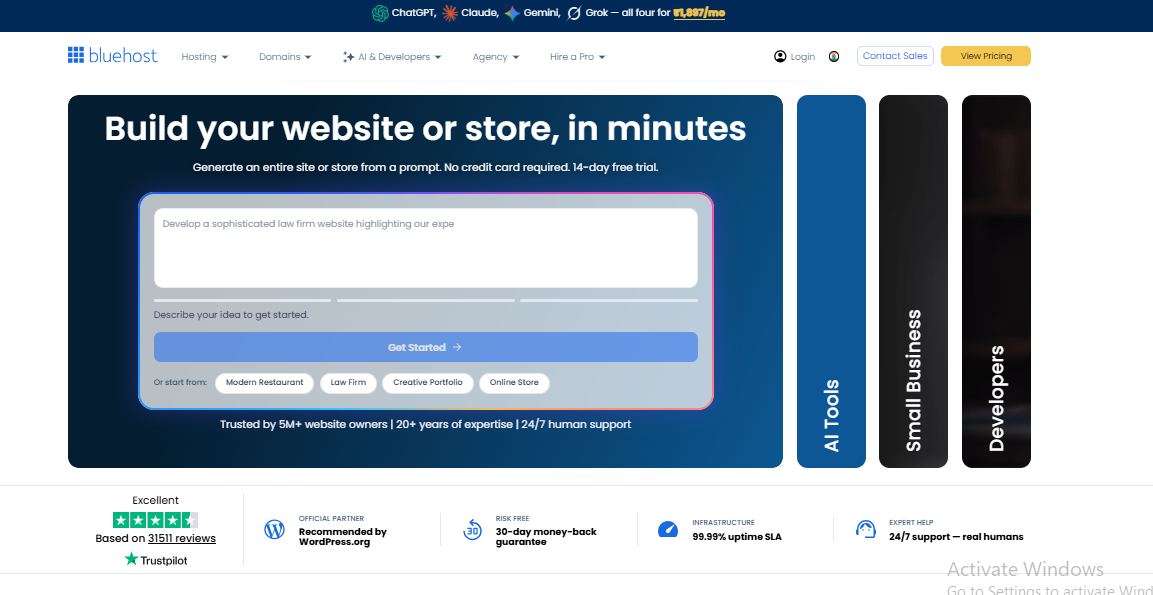
If you’re moving away from Hostinger but still want hosting that feels simple, Bluehost is one of the easiest alternatives to consider. It has been recommended by WordPress.org since 2005 and is specifically optimized for WordPress users.
Key Features
- WordPress pre-installed
- Free domain for the first year
- Free SSL and CDN
- Automatic WordPress updates
- Free site migration tool
- AI-powered WordPress website builder
- 24/7 WordPress support
- 30-day money-back guarantee
- WordPress staging on eligible plans
Pros and Cons
Who Should Choose Bluehost?
Bluehost is a good choice if you’re starting a WordPress blog, affiliate website, portfolio, or small business site and want most of your essential tools under one roof.
It’s particularly appealing if you’re new to hosting and don’t want to deal with complicated server management.
If you’re deciding between the two, read our detailed Hostinger vs Bluehost comparison to see which one makes more sense for your needs.
2. SiteGround – Best for Performance & Support
If your biggest concern with Hostinger is performance and reliable support, SiteGround is one of the strongest alternatives to consider.
It focuses heavily on managed WordPress hosting, speed, security, and hands-on support. SiteGround currently hosts more than 3 million domains and offers 24/7 human support.
Key Features
- Free SSL, CDN, backups, and email
- Free WordPress migration
- Managed WordPress updates
- Multilevel caching
- Enhanced security
- WP-CLI and SSH access
- Staging on higher plans
- 24/7 human support
- AI tools for WordPress management
Pros and Cons
Who Should Choose SiteGround?
SiteGround makes the most sense for business websites, WordPress blogs, agencies, and growing sites where speed and support matter more than getting the lowest possible price. If you’re willing to pay more for a polished hosting experience, it’s a compelling upgrade.
If you’re comparing both providers, read our detailed Hostinger vs SiteGround comparison.
3. DreamHost – Best for Flexible Hosting
DreamHost is a good choice if you want simple hosting today with room to grow later.
Unlike providers that mainly target beginners, DreamHost offers shared hosting, managed WordPress, VPS, and dedicated hosting, making it easier to move into a more powerful setup as your website grows.
Key Features
- Free website migration
- Daily automated backups
- NVMe SSD storage
- Free SSL
- Unmetered bandwidth
- Free domain for one year on eligible plans
- 24/7 in-house support
- One-click WordPress installation
- Managed WordPress through DreamPress
- VPS and dedicated hosting options
Pros and Cons
Who Should Choose DreamHost?
DreamHost is particularly suitable for bloggers, WordPress users, small businesses, and website owners who want flexibility without immediately jumping into complex hosting. Its VPS and managed WordPress options also make it useful as your website grows.
For a direct comparison, see our Hostinger vs DreamHost comparison.
4. Cloudways – Best for Growing Websites
If your website is growing beyond basic shared hosting, Cloudways is a very different type of Hostinger alternative.
Instead of traditional shared hosting, it gives you a managed cloud platform where you can choose infrastructure from providers such as DigitalOcean, AWS, Google Cloud, Vultr, and Linode.
Key Features
- Managed cloud hosting
- Choice of multiple cloud providers
- 24/7 expert support
- Free SSL and migrations
- Automated backups and staging
- Built-in caching
- Vertical server scaling
- Real-time monitoring
- Support for WordPress, WooCommerce, Magento, Laravel, and PHP
- Pay-as-you-go pricing
Pros and Cons
Who Should Choose Cloudways?
Cloudways is best for growing blogs, agencies, WooCommerce stores, and business websites that need more performance and flexibility than typical shared hosting provides.
It’s especially useful when traffic starts increasing and you want to scale resources without completely changing your hosting setup.
If you’re comparing the two, check out our Hostinger vs Cloudways comparison.
5. HostGator – Best for Small Businesses
HostGator remains a practical option if you want straightforward hosting with plenty of room for multiple websites.
Its shared hosting plans include features such as free SSL, a one-click installer, unmetered bandwidth, and 24/7 support.
Key Features
- Shared, VPS, and dedicated hosting
- Free SSL
- Free domain on eligible plans
- One-click application installation
- cPanel
- Website migration
- 24/7 phone and chat support
- Up to 50 websites on its Business shared plan
Pros and Cons
Who Should Choose HostGator?
HostGator makes sense for small businesses, bloggers, freelancers, and users managing multiple smaller websites who want familiar hosting tools without moving into advanced cloud infrastructure.
If you’re deciding between Hostinger and HostGator, read our Hostinger vs HostGator comparison before choosing.
6. ChemiCloud – Best for Support & Reliability
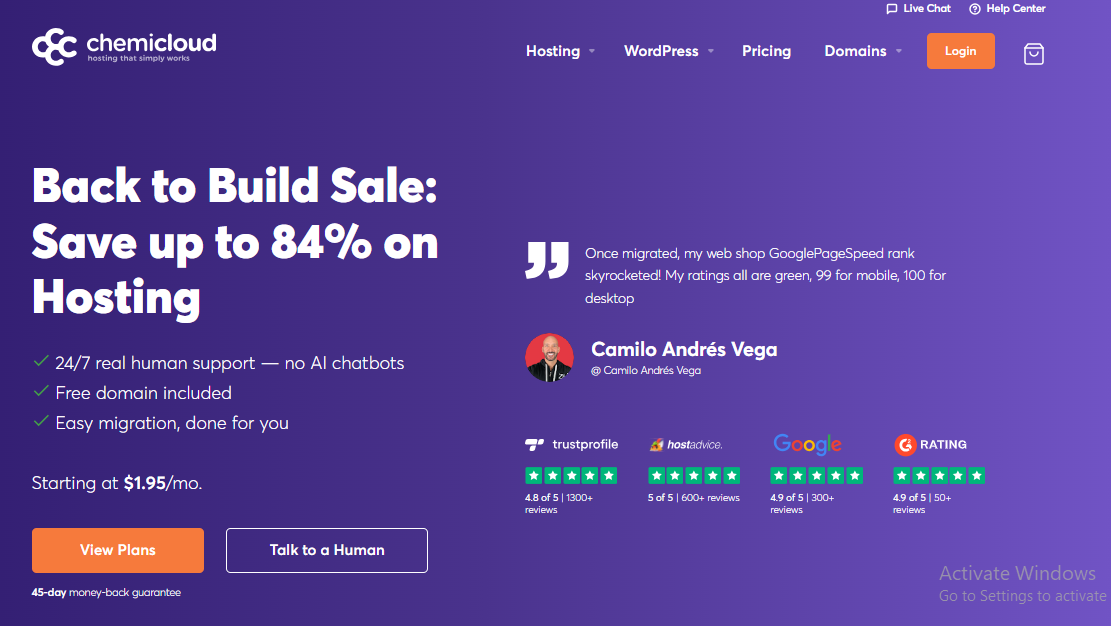
If you want an alternative that combines strong performance with genuinely helpful support, ChemiCloud is worth a serious look.
It uses LiteSpeed servers, NVMe storage, Cloudflare CDN, daily backups, and a cloud-based infrastructure designed for reliability. It also offers 24/7 support and a 99.99% uptime guarantee.
Key Features
- LiteSpeed web servers
- NVMe SSD storage
- Free website migration
- Daily off-site backups
- Free SSL and CDN
- 24/7/365 support
- 99.99% uptime guarantee
- Multiple global server locations
- cPanel access
- Staging and developer tools
- Cloud-based infrastructure
Pros and Cons
Who Should Choose ChemiCloud?
ChemiCloud is a great fit for bloggers, WordPress websites, small businesses, and users who value responsive support and reliable performance.
If you’ve had frustrating support experiences with your current host, this is one of the alternatives I’d consider first.
If you’re comparing the two, read our Hostinger vs ChemiCloud comparison.
7. ScalaHosting – Best for VPS & Growing Websites
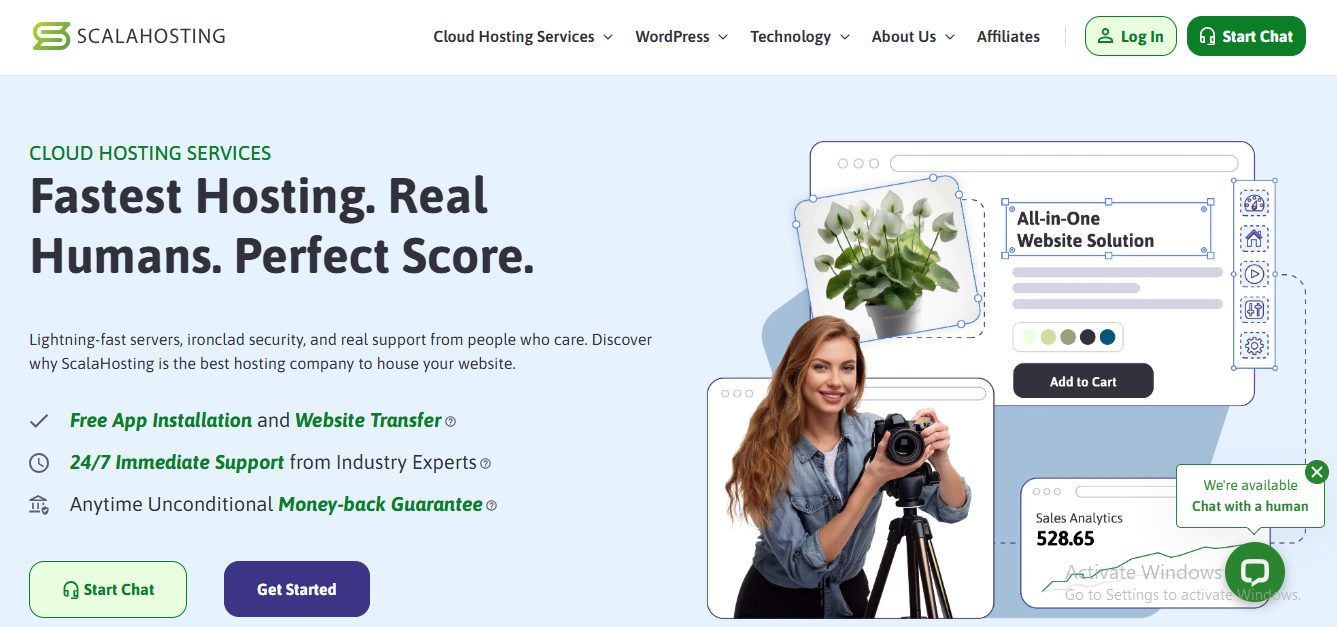
ScalaHosting stands out when your website is starting to outgrow traditional shared hosting. Its biggest strength is scalability, particularly through managed and self-managed VPS hosting.
Its cloud VPS plans offer dedicated resources, NVMe storage, scalable infrastructure, and optional SPanel management.
Key Features
- Managed and self-managed VPS
- NVMe SSD storage
- SPanel control panel
- Free website migration
- Dedicated resources
- Automatic backups
- SShield security
- Cloud VPS infrastructure
- One-click scaling
- Cloudflare integration
- WordPress management tools
Pros and Cons
Who Should Choose ScalaHosting?
ScalaHosting is best for growing websites, agencies, developers, WooCommerce stores, and businesses that need more resources and control.
If you’re reaching the limits of shared hosting but aren’t ready to manage a server completely on your own, ScalaHosting offers a useful middle ground.
We’ve also published a standalone ScalaHosting review – if you want the full breakdown before comparing it to Hostinger
For a direct comparison, check our Hostinger vs ScalaHosting comparison.
8. HostArmada – Best for Performance & Managed Hosting

If performance is your priority but you don’t want to deal with complicated server management, HostArmada is one of the more interesting alternatives to consider.
Its hosting platform combines LiteSpeed servers, NVMe storage, built-in caching, Cloudflare CDN, and managed optimization.
Key Features
- LiteSpeed web servers
- NVMe SSD storage
- Free SSL and CDN
- Website migration
- Built-in server caching
- Daily backups
- Cloud-based infrastructure
- Multiple data-center locations
- Managed hosting environment
- 24/7 customer support
Pros and Cons
Who Should Choose HostArmada?
HostArmada is a strong choice for WordPress bloggers, affiliate websites, small businesses, and anyone who wants better performance without managing a VPS themselves.
If speed is more important to you than finding the absolute cheapest plan, it’s worth considering.
For a direct comparison, read our Hostinger vs HostArmada comparison.
9. Namecheap – Best for Budget Hosting
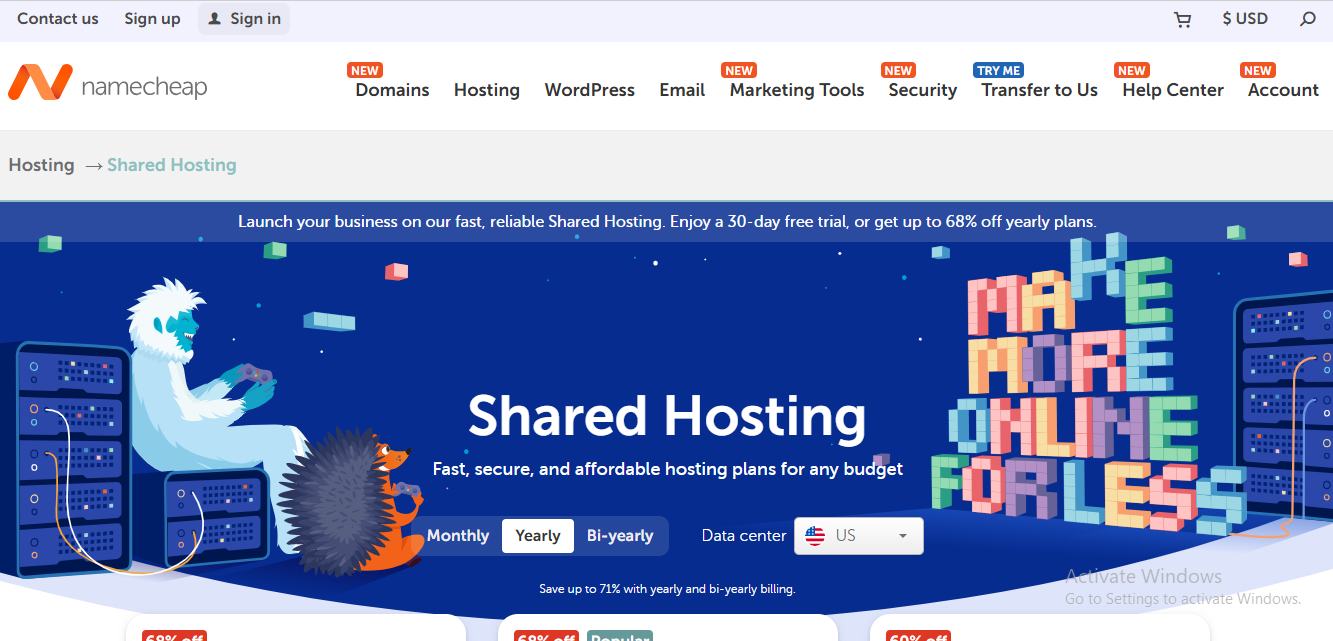
If your main reason for looking at Hostinger alternatives is keeping your hosting costs low, Namecheap deserves a place on your shortlist.
Its shared hosting is designed around affordability while still including useful essentials such as SSL, backups, cPanel, unmetered bandwidth, and 24/7 support.
Key Features
- Affordable shared hosting
- cPanel control panel
- Free SSL
- Free website migration
- Unmetered bandwidth
- Automatic backups
- 24/7 live chat support
- WordPress and Softaculous
- AI WordPress tools
- Up to unlimited websites on higher plans
Pros and Cons
Who Should Choose Namecheap?
Namecheap is best for personal websites, bloggers, freelancers, startups, and small businesses that want affordable hosting without paying for unnecessary resources.
Its current Stellar plan starts at $2.51/month after a 30-day free trial, while higher plans provide more websites and storage.
If you’re comparing both hosts, check our Hostinger vs Namecheap comparison.
Hostinger Alternatives Comparison
Choosing a hosting provider shouldn’t come down to the cheapest promotional price alone. Renewal rates, performance, WordPress tools, support, and room to grow can make a much bigger difference once your website is established.
Here’s how the providers in this guide compare at a glance:
| Hosting | Price* | Renewal | Performance | WordPress | Support | Best Use Case |
| Hostinger | ₹69/mo | ₹289/mo+ | ⭐⭐⭐⭐½ | ⭐⭐⭐⭐⭐ | ⭐⭐⭐⭐½ | Beginners & small sites |
| Bluehost | ₹199/mo | ₹349/mo+ | ⭐⭐⭐⭐½ | ⭐⭐⭐⭐⭐ | ⭐⭐⭐⭐⭐ | WordPress beginners |
| SiteGround | $3.99/mo | $17.99/mo | ⭐⭐⭐⭐⭐ | ⭐⭐⭐⭐⭐ | ⭐⭐⭐⭐⭐ | Performance & support |
| DreamHost | $2.89/mo | $10.99/mo | ⭐⭐⭐⭐ | ⭐⭐⭐⭐⭐ | ⭐⭐⭐⭐½ | Flexible WordPress hosting |
| Cloudways | Varies | Varies | ⭐⭐⭐⭐⭐ | ⭐⭐⭐⭐⭐ | ⭐⭐⭐⭐½ | Growing websites |
| HostGator | Varies | Higher | ⭐⭐⭐⭐ | ⭐⭐⭐⭐ | ⭐⭐⭐⭐ | Small businesses |
| ChemiCloud | ~$2.95/mo | Higher | ⭐⭐⭐⭐⭐ | ⭐⭐⭐⭐⭐ | ⭐⭐⭐⭐⭐ | Support & reliability |
| ScalaHosting | ~$2.95/mo | Higher | ⭐⭐⭐⭐½ | ⭐⭐⭐⭐½ | ⭐⭐⭐⭐½ | VPS & growing sites |
| HostArmada | ~$3.29/mo | Higher | ⭐⭐⭐⭐⭐ | ⭐⭐⭐⭐⭐ | ⭐⭐⭐⭐⭐ | Managed performance |
| Namecheap | ~$2.51/mo | Moderate | ⭐⭐⭐⭐ | ⭐⭐⭐⭐ | ⭐⭐⭐⭐ | Budget hosting |
*Promotional pricing varies by plan, billing term, location, and current offers. Hostinger currently lists its Single plan at ₹69/month on a 48-month term, renewing at ₹289/month.
Bluehost currently lists its Starter plan at ₹199/month for 36 months, renewing at ₹349/month. SiteGround lists StartUp at $2.99/month with renewal at $17.99/month.
DreamHost currently lists Launch at $2.89/month, renewing at $10.99/month.
Which Hostinger Alternative Is Best for You?
There isn’t one universal winner. The best Hostinger alternatives depend on what you value most price, WordPress simplicity, support, or the ability to handle growing traffic.
Best Hostinger Alternative for Beginners
Bluehost is my pick for beginners. Its guided WordPress setup, simple dashboard, and built-in tools make getting your first website online relatively straightforward. It’s especially suitable if you don’t want to spend time managing technical hosting settings.
Best for WordPress
For WordPress-focused users, SiteGround is the stronger choice if performance, support, backups, and managed features matter more than keeping costs low. Bluehost is another good option if you prioritize simplicity and beginner-friendly setup.
👉 Best pick: SiteGround
Best for Small Businesses
For a small business website, ChemiCloud offers a nice balance of performance, support, security, and managed hosting. HostArmada is another strong choice if you want managed hosting without getting into VPS-level complexity.
👉 Best pick: ChemiCloud
Best Budget Alternative
If your main goal is reducing your hosting bill, Namecheap is the alternative I’d look at first. Its low-cost shared hosting makes it suitable for blogs, portfolios, and smaller websites where advanced server resources aren’t a priority.
👉 Best pick: Namecheap
Best for High-Traffic Websites
Once your website starts outgrowing shared hosting, Cloudways becomes much more interesting. Its managed cloud infrastructure provides dedicated resources and easier scaling, making it better suited to growing websites, WooCommerce stores, and traffic-heavy projects.
👉 Best pick: Cloudways
If you’re still deciding whether you actually need to switch, our detailed Hostinger review can help you compare its strengths and limitations before making the move.
Hostinger Alternatives FAQs
What is the best alternative to Hostinger?
Bluehost is a strong choice for beginners, while SiteGround and ChemiCloud are better for performance and support. For growing websites, Cloudways is a stronger option.
Is there a cheaper alternative to Hostinger?
Yes. Namecheap is one of the most affordable alternatives, especially for smaller websites and basic hosting needs.
Is Bluehost better than Hostinger?
It depends on your needs. Bluehost is particularly good for WordPress beginners, while Hostinger generally offers more affordable entry-level hosting.
Is SiteGround better than Hostinger?
SiteGround can be better if you prioritize performance, support, and managed WordPress features. Hostinger is usually more budget-friendly.
Which Hostinger alternative is best for WordPress?
SiteGround is our top choice for WordPress performance and support. Bluehost is a good alternative for beginners.
Can I migrate my website from Hostinger to another host?
Yes. You can migrate a WordPress website manually or use the new hosting provider’s migration service. Many hosts, including Bluehost, SiteGround, and ChemiCloud, offer migration assistance.
Should I switch from Hostinger?
Switch if you’re unhappy with renewal pricing, performance, support, or available resources. If Hostinger meets your needs and your costs are reasonable, there’s no urgent reason to move.
Final Verdict – Which Hostinger Alternative Should You Choose?
There’s no single Hostinger alternative that wins for everyone, but Bluehost is our best overall pick for most beginners and WordPress users.
It offers an easy setup, strong WordPress features, free migration, and a clear upgrade path as your website grows.
If keeping costs low is your priority, Namecheap is the best budget option. For WordPress users who care more about performance and support, SiteGround is the stronger choice.
And if your website is growing and needs more resources and scalability, Cloudways is the better fit.
That said, staying with Hostinger still makes sense if you already have a small website, are happy with its performance and support, and want affordable all-in-one hosting.
There’s no reason to migrate simply because alternatives exist.
But if you’re starting a new website today and want a balanced combination of ease of use, WordPress features, support, and long-term flexibility, Bluehost is the alternative I’d choose.
It costs more than the cheapest options, but the additional features and beginner-friendly experience make it worth considering.
If Bluehost fits your needs, check the latest plans and choose the package that matches your website.